Guide | MobiPOS > Settings > App Settings > Double Layer Recipe Deduction
Double Layer Recipe Deduction
The systems usually only deduct one layer of a recipe. However, this function allows you to perform a two layer recipe deduction effortlessly.
For example, if a customer orders a combo set, the system deducts the quantity of the Beef Burger and the Pepsi.
However, the sub-ingredients of the Beef Burger, such as the patty and bun, would not be deducted.
So, this guide will explains how double-layer recipe deduction solves this.
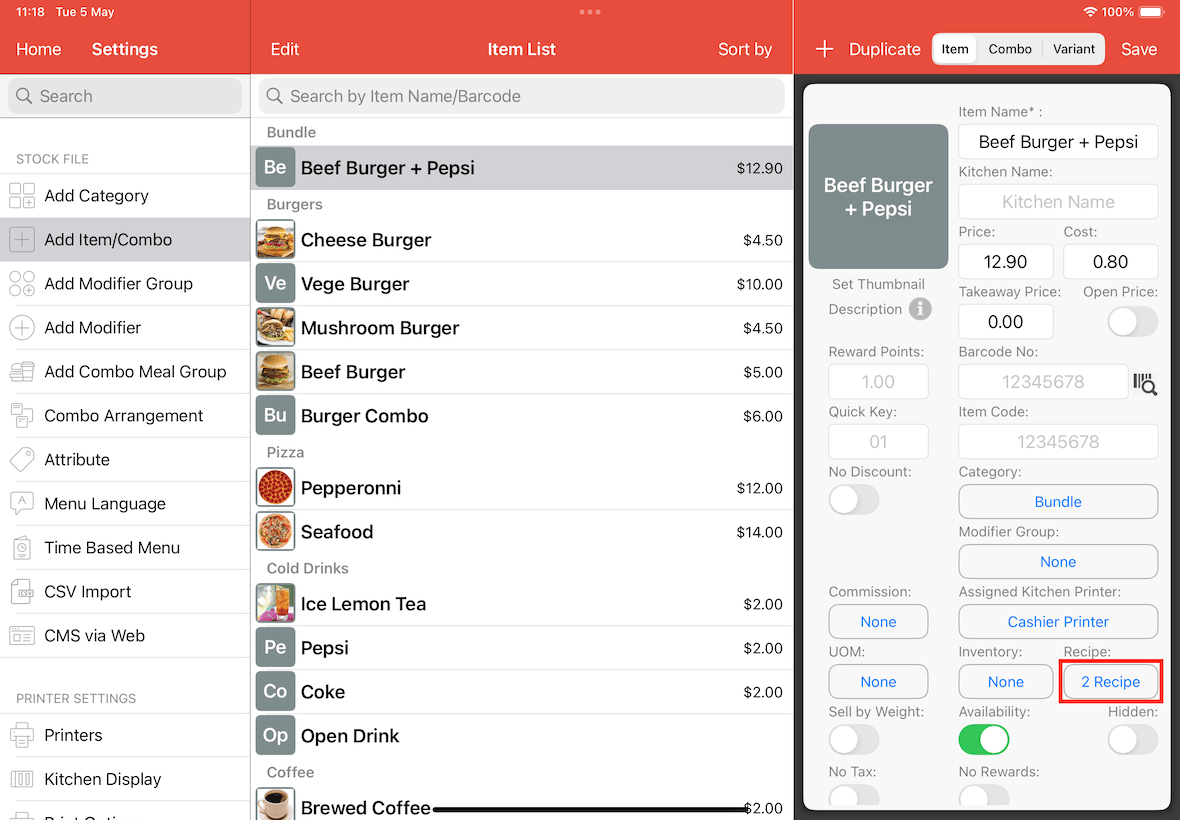
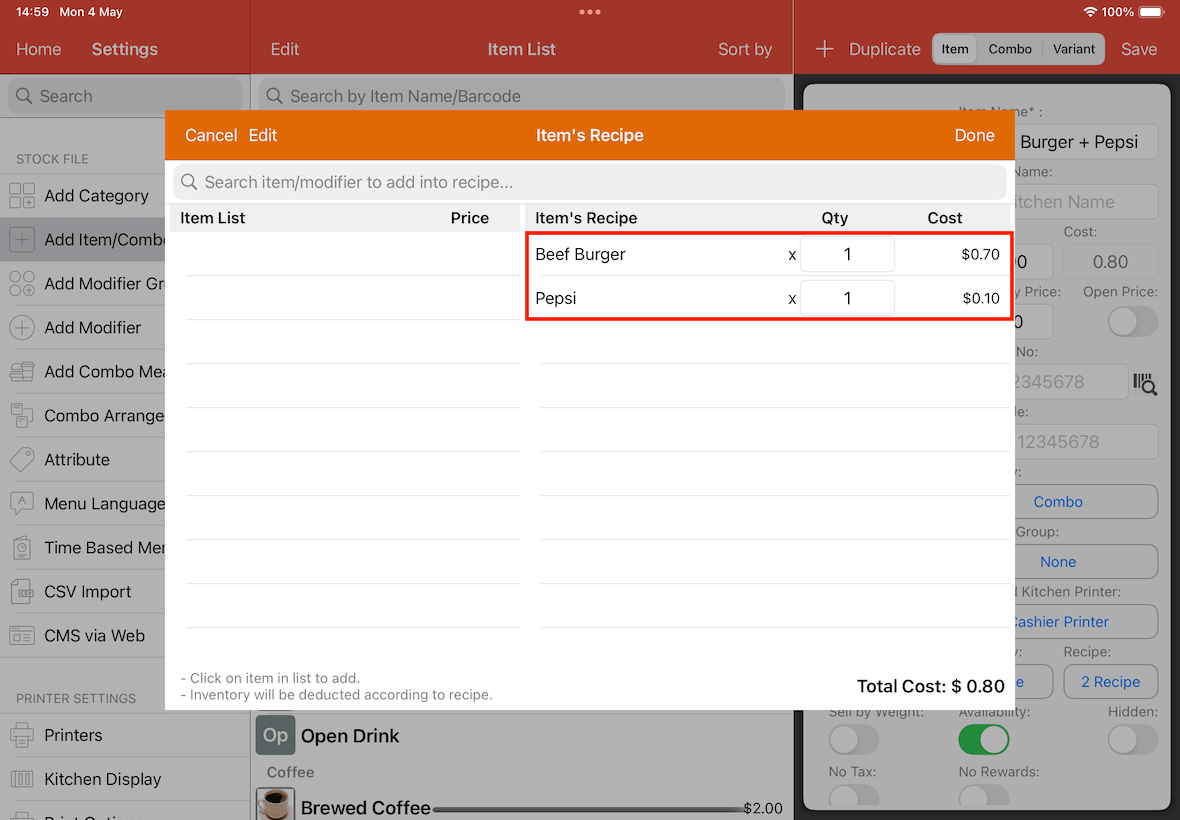
In the screenshot below, the Beef Burger + Pepsi Combo contains a recipe consisting of a Beef Burger and a Pepsi.
This is the first layer.
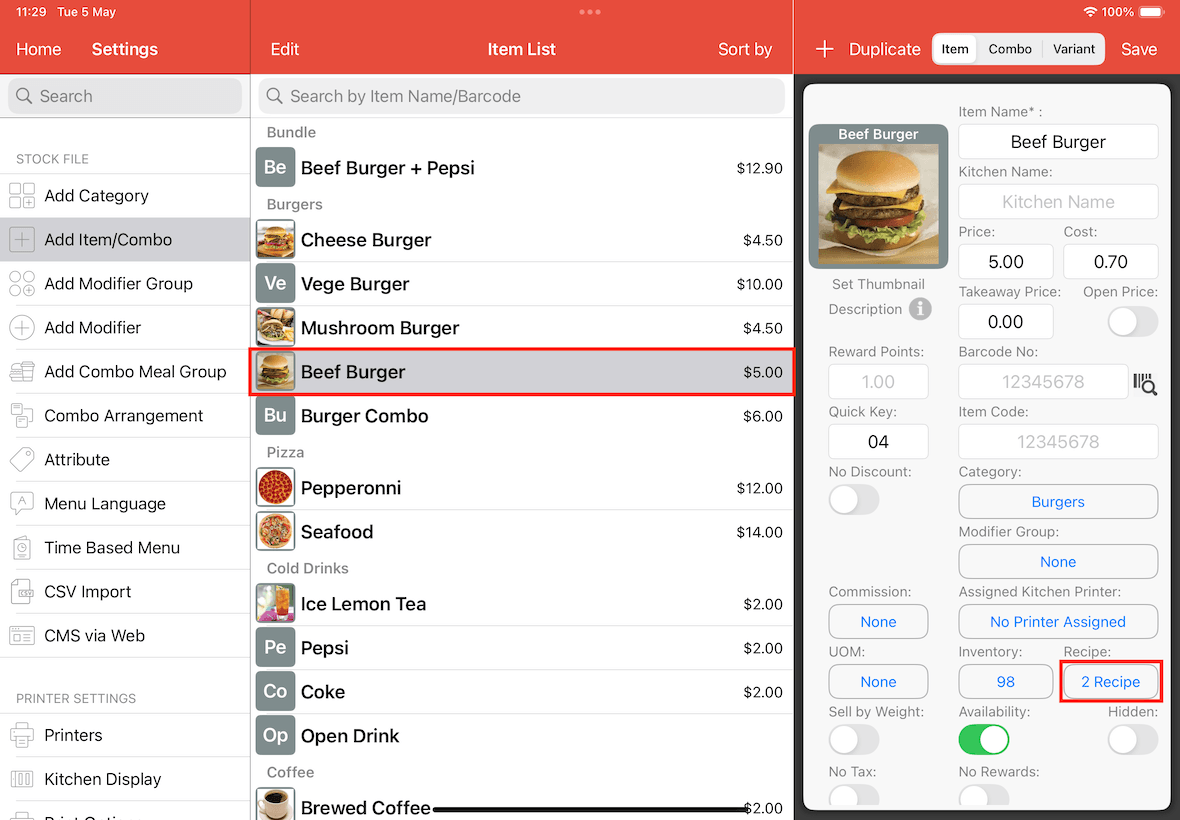
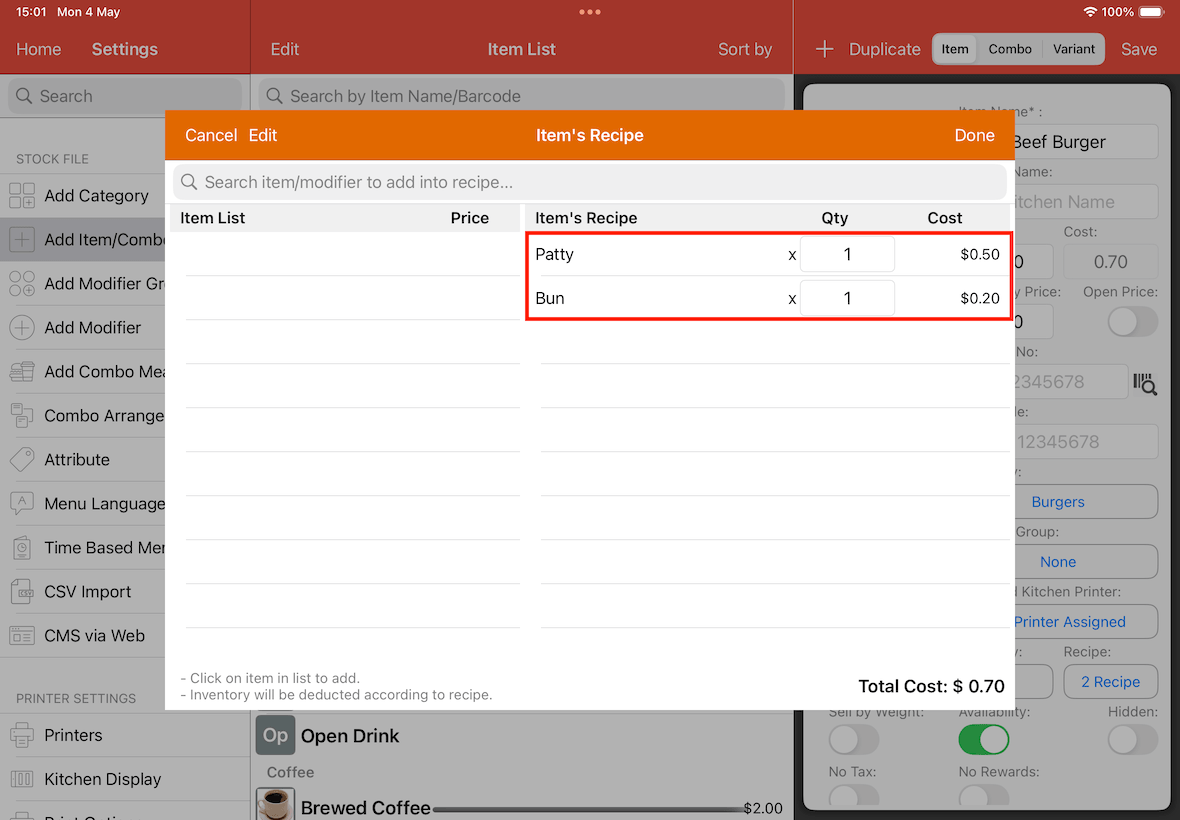
The Beef Burger itself contains its own ingredients, such as a patty and a bun.
These represent the second layer.
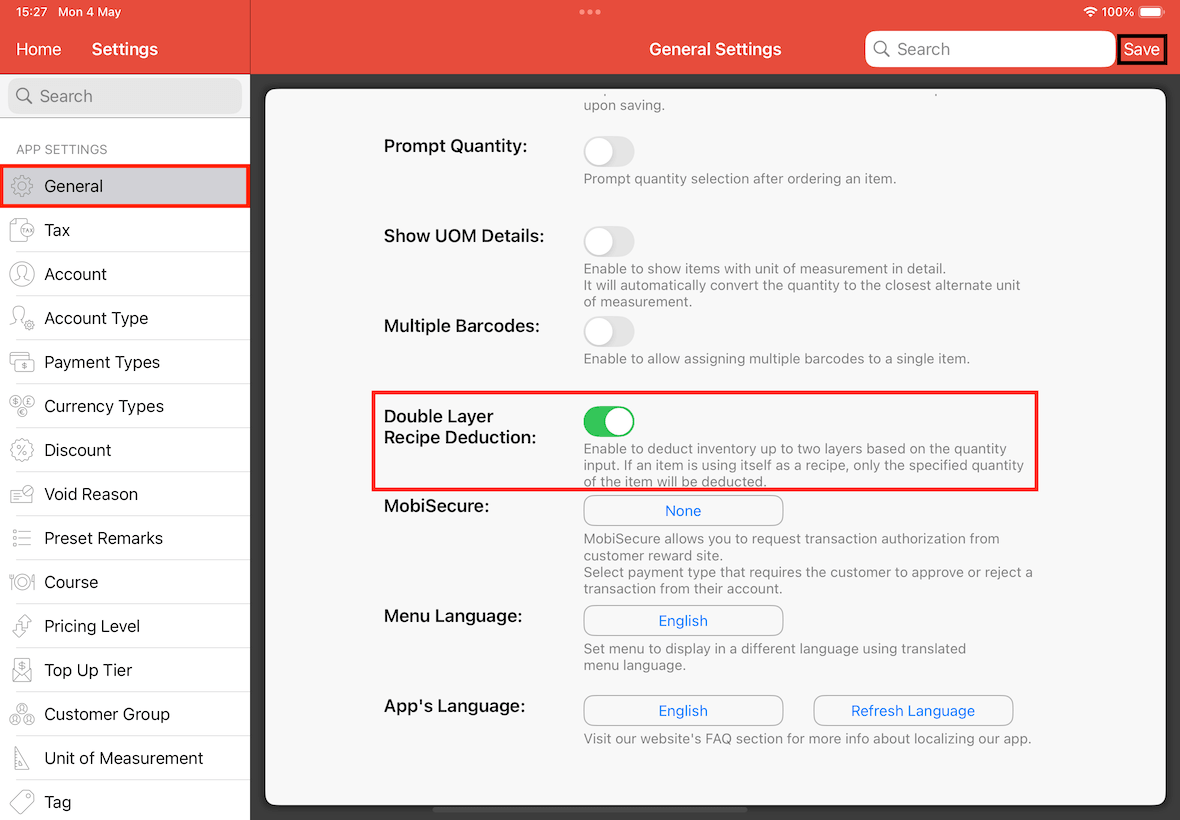
To enable and use the double-layer recipe deduction feature, go to Settings -> General -> Double Layer Recipe Deduction, switch it on, and Save.
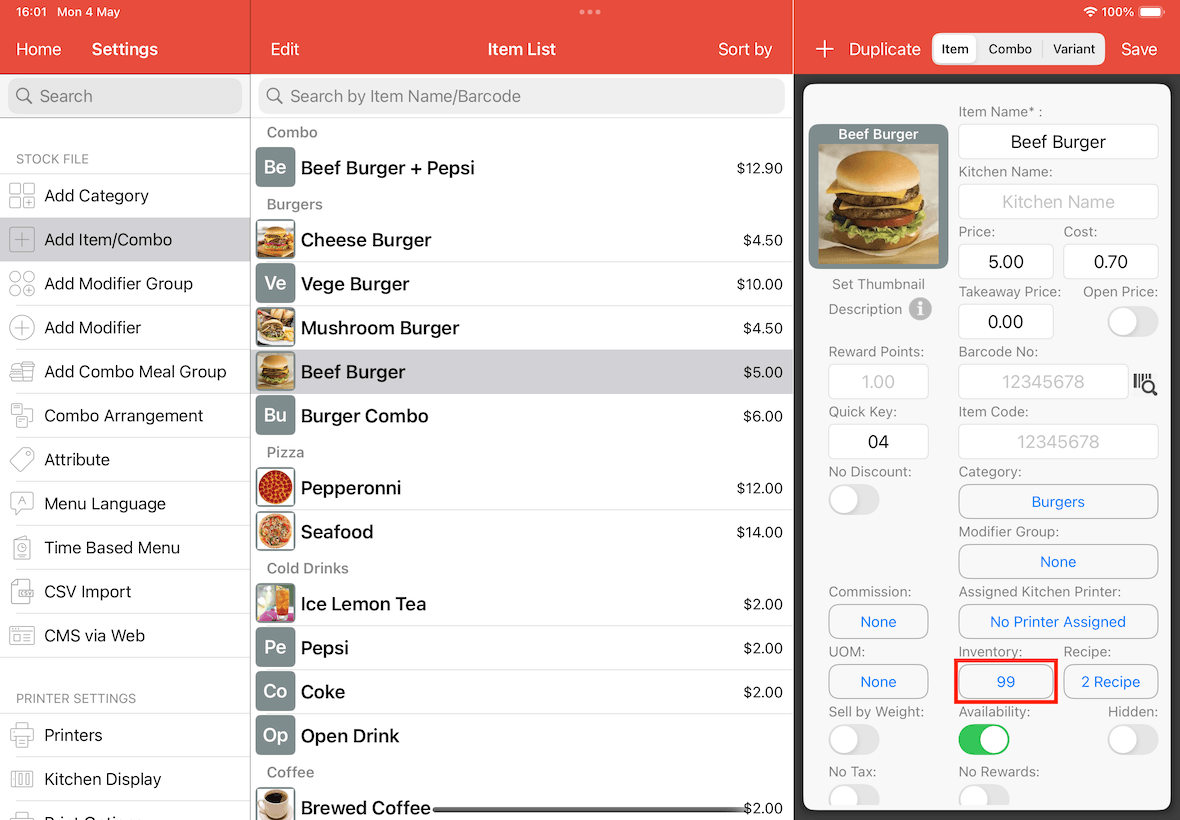
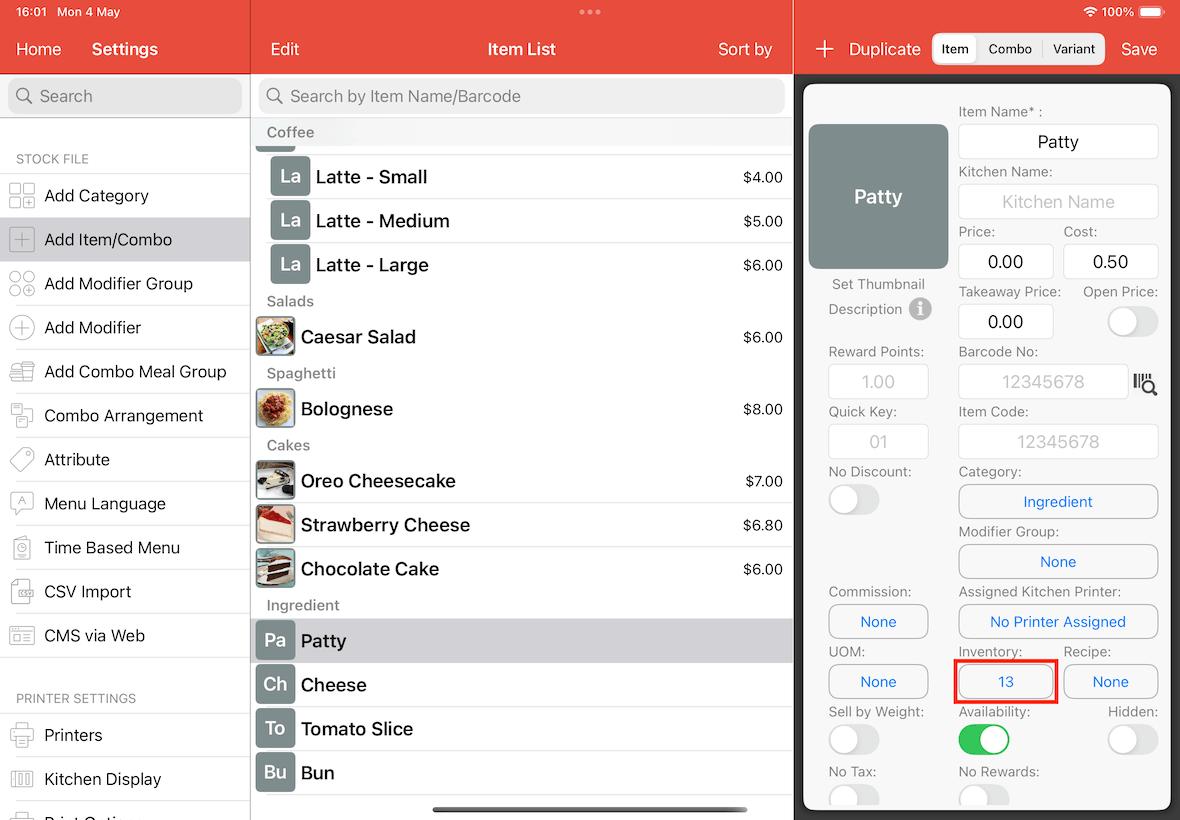
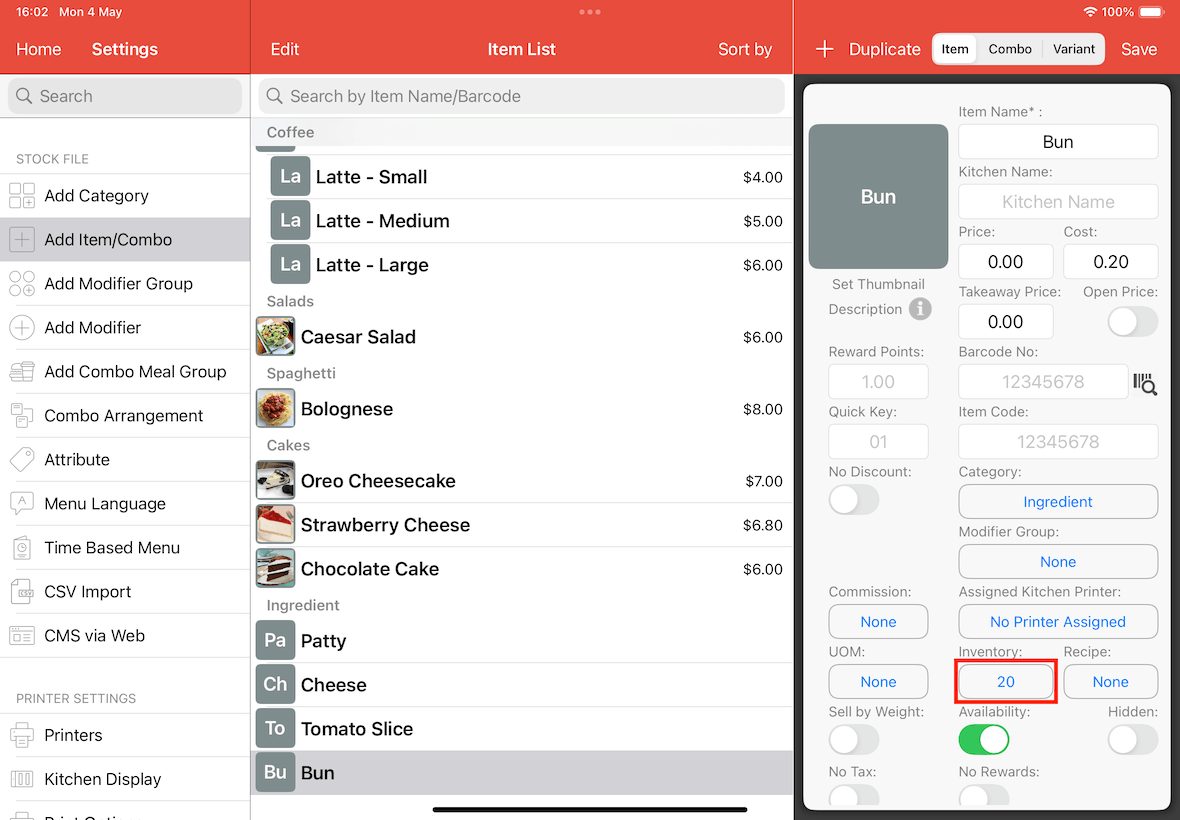
Initial Inventory Levels:
Before the demonstration, notice the current inventory counts:
Beef Burger: 99
Patty: 13
Bun: 20
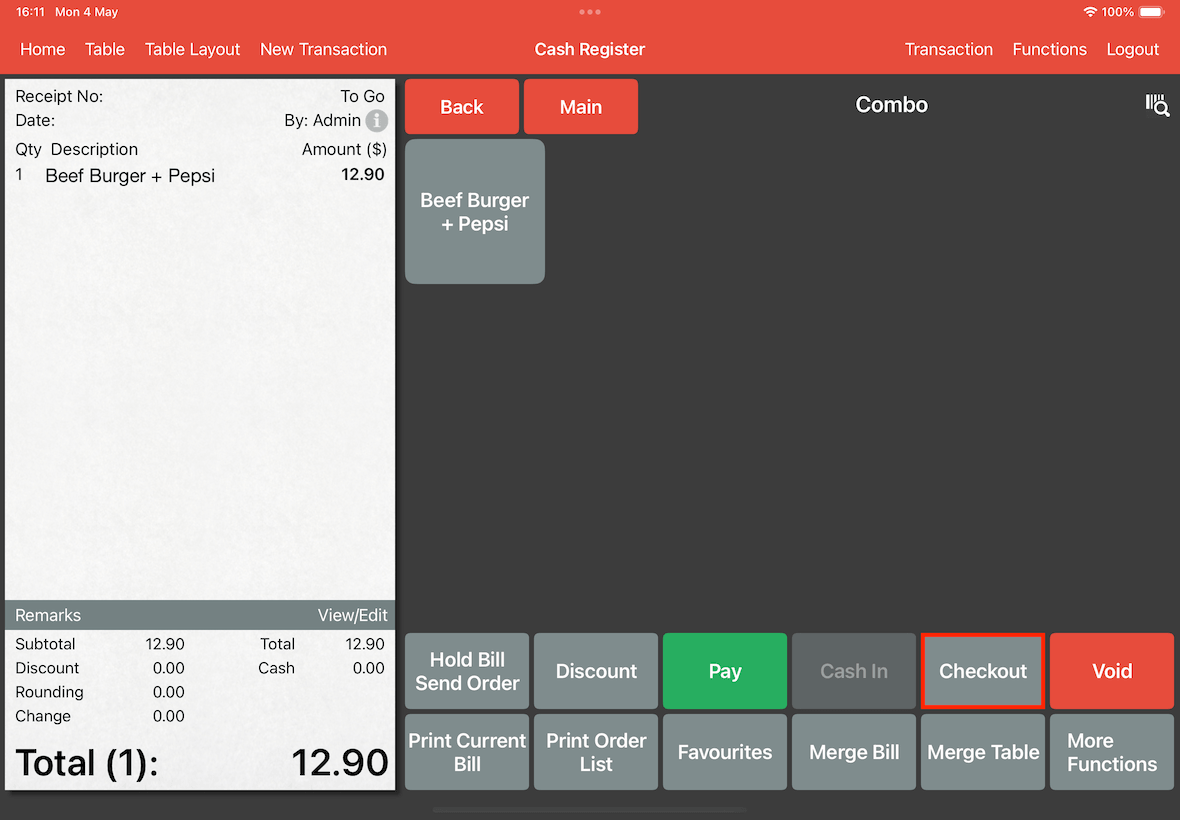
Now, go to the Cash Register page, order the combo, and complete the checkout process.
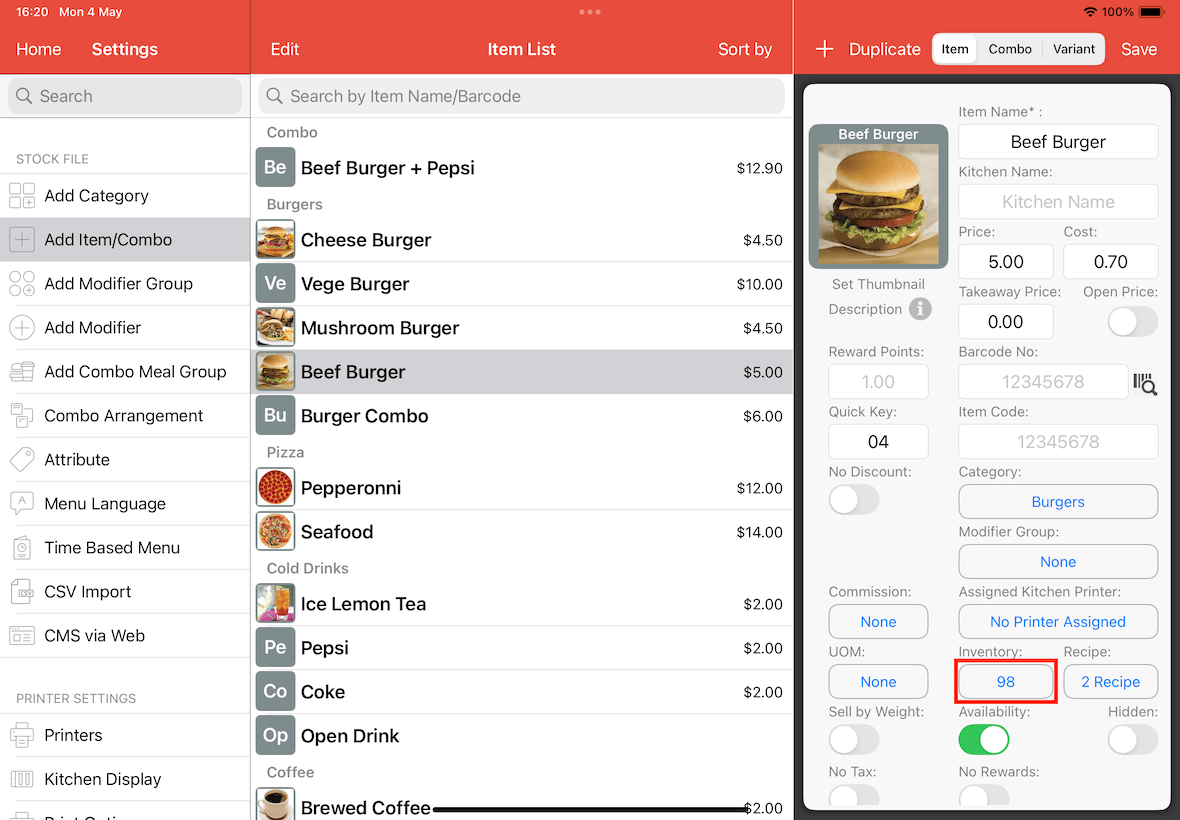
After checking out, return to the Add Item/Combo page to verify the inventory.
With double-layer deduction enabled, the system successfully deducts the Beef Burger and Pepsi through the combo sale.
The Beef Burger quantity is now 98.
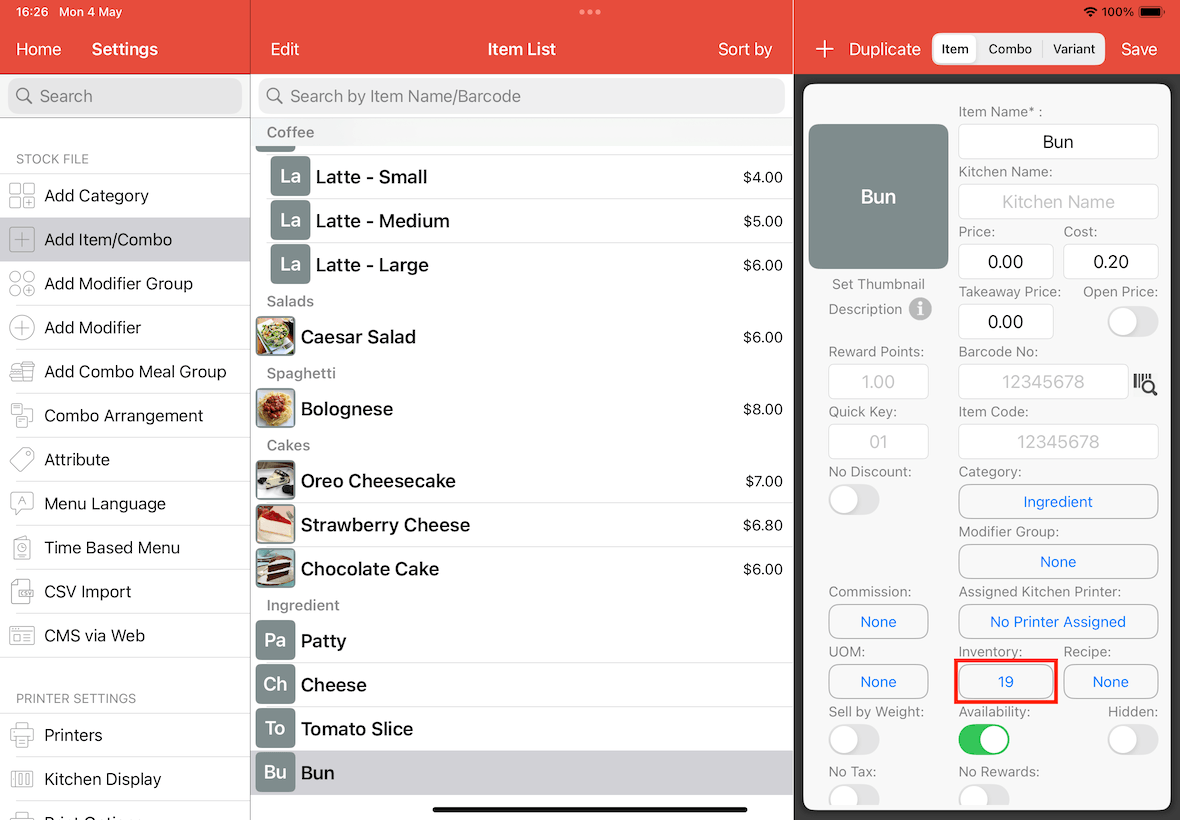
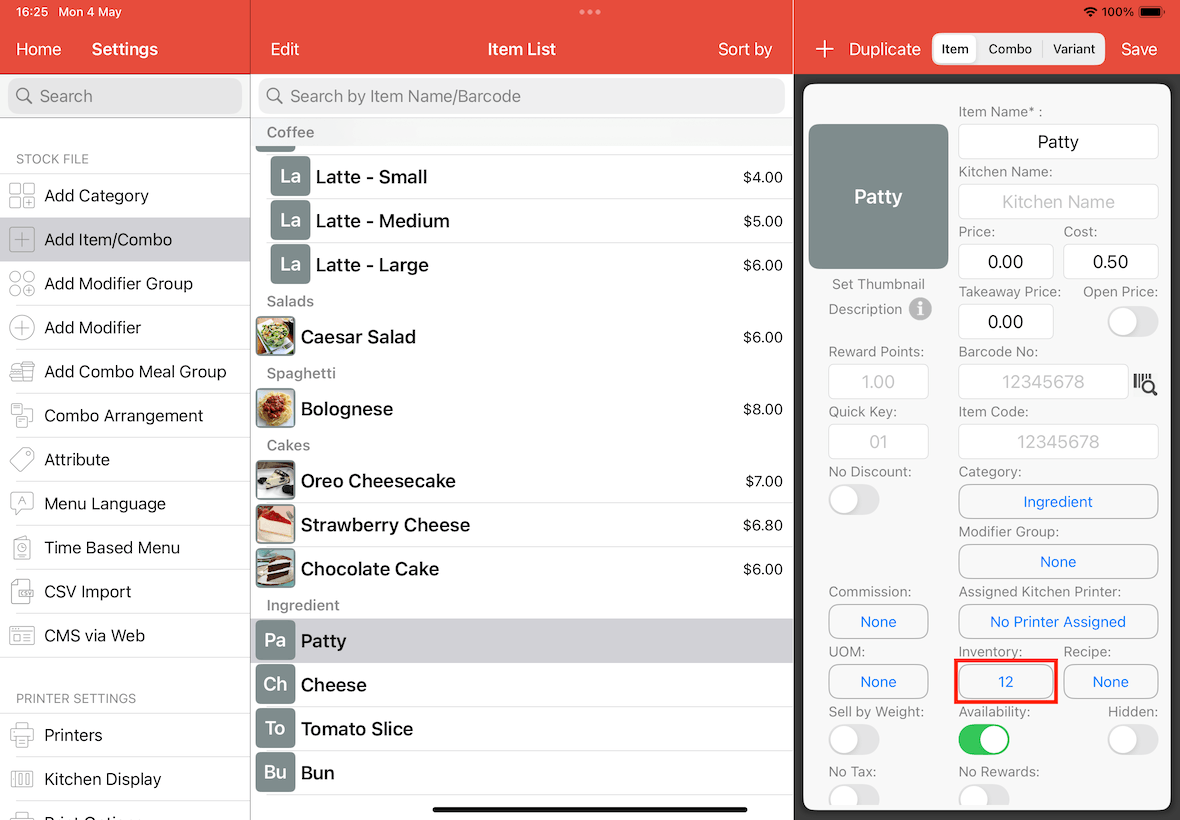
Next, we check the raw ingredients. As shown below, the patty inventory has been deducted to 12.
Similarly, the bun inventory has been updated to 19.